

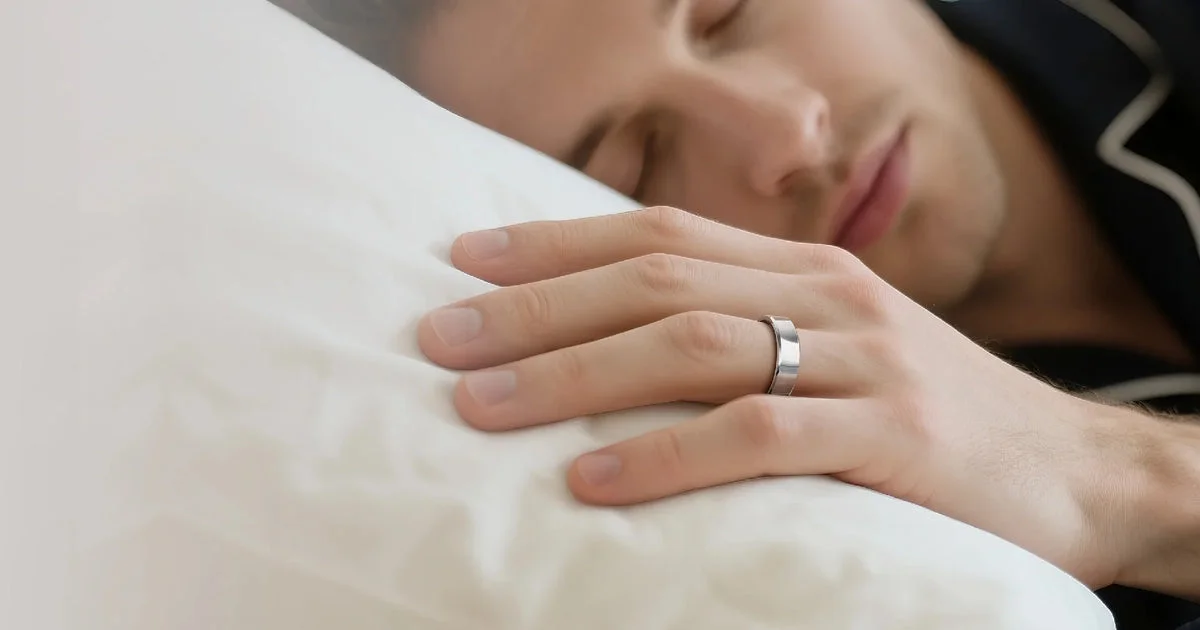
At 3 a.m. a watch is a lump of glass on your wrist, and on some nights it is sitting on the charger instead. A RingConn ring is built for exactly that hour, which is why it keeps coming up as a smart ring for sleep tracking. Below are the real situations where a RingConn ring earns its place, and which model fits each one.
This is an independent editorial review. RingConn did not review or approve this article.
RingConn describes its rings as health management devices, not medical devices, and says they are not intended to diagnose or treat conditions such as sleep apnea. Loud snoring, gasping at night or constant daytime tiredness are reasons to see a doctor.
Use case 1: a smart ring for sleep tracking every single night
The biggest problem with sleep data is missing nights. A device that needs charging every day tends to be off your body right when you sleep. RingConn rates the Gen 2 at 10 to 12 days per charge and the Gen 3 at 11 to 14 days, so you can charge it during a shower every week or so and keep an unbroken record.
- Both track sleep stages, heart rate, blood oxygen, heart rate variability, skin temperature and breathing rate overnight.
- The Gen 2 adds sleep apnea pattern insights; RingConn cites 90.7 percent accuracy for that feature.
- The Gen 3 flags breathing interruptions and oxygen drops during sleep.
If sleep is the only reason you are buying, the Gen 2 covers it well at $299.
Use case 2: a smart ring for discreet health tracking at work
Some people do not want a device that lights up in a meeting or looks like a fitness gadget with a suit. A smart ring for discreet health tracking solves that. A RingConn ring has no screen and looks like an ordinary band, about 0.27 inches wide.
The Gen 3 adds vibration alerts for health shifts, sitting too long and low battery. RingConn describes them as customizable, so you can keep the ring quiet during the workday.
Use case 3: a smart ring for athletes and recovery
A smart ring for athletes is less about the workout and more about the morning after. A ring cannot show you your pace mid-run and has no GPS, so keep your watch or phone for the session itself. Where the ring helps is recovery: resting heart rate, heart rate variability and sleep quality after a hard day.
- Wear the ring through training and sleep, then check your recovery numbers the next morning.
- Compare hard-training weeks with easy weeks rather than reading any one night on its own.
- Take the ring off for heavy lifting and gym work that grips the bar, to protect both the ring and your finger.
RingConn lists an IP68 rating and water resistance to 328 feet, so swimming is covered.

Use case 4: a smart ring for everyday wear on a budget
If you just want a smart ring for everyday wear that counts steps, tracks stress and handles sleep basics, the Gen 2 Air at $199 is the entry point. It uses stainless steel rather than titanium and is rated for up to 10 days, and it leaves out sleep apnea monitoring.
It is a reasonable first ring for someone testing whether they will actually wear one every day before spending more.
Use case 5: travel and nights away from home
Hotel rooms and time zones scramble sleep, and a daily charger is one more cable to forget. The Gen 2 and Gen 3 come with a charging case that RingConn says adds up to about 150 days of total use. The ring also stores 5 to 7 days of data offline, so a trip without syncing does not lose your nights.
Side-by-side by situation
| Situation | What it needs | RingConn pick |
|---|---|---|
| Nightly sleep record | Long battery, apnea insights | Gen 2 |
| Office and meetings | No screen, no lights | Gen 2 or Gen 2 Air |
| Training and recovery | HRV, resting heart rate, water rating | Gen 2 or Gen 3 |
| First ring on a budget | Low price, no monthly fee | Gen 2 Air |
| Frequent travel | Charging case, offline storage | Gen 3 or Gen 2 |
Related Articles
- Best Fitness Tracker for Running: Road, Treadmill, Pool, or Gym
- Fitness Tracker Buying Guide: Features, Accuracy, Budget
Frequently Asked Questions
These are the situation-based questions that come up most.
Which finger should I wear a RingConn ring on?
Use the finger you sized with the free sizing kit, and keep wearing it on that finger. Moving it around changes the fit and can change the readings.
Does a RingConn ring cost anything after purchase?
RingConn states there is no subscription for standard features. Optional protection plans are extra.
Can a RingConn ring tell me if I have sleep apnea?
No. RingConn says its rings are not intended to diagnose sleep apnea. The Gen 2 can show patterns worth taking to a doctor, who can order a proper sleep test.
What if the ring does not fit?
RingConn’s return policy allows returns within 14 calendar days for valid reasons such as defects or a product that differs from its description, so size carefully with the kit first.
Conclusion
For sleep, the Gen 2 is the most complete fit; for a quiet office or a first try, the Gen 2 Air does the job; for travel and the longest battery, the Gen 3 leads. Pick the situation you are actually in, size with the free kit, and let the ring run for a couple of weeks before judging the data.


