

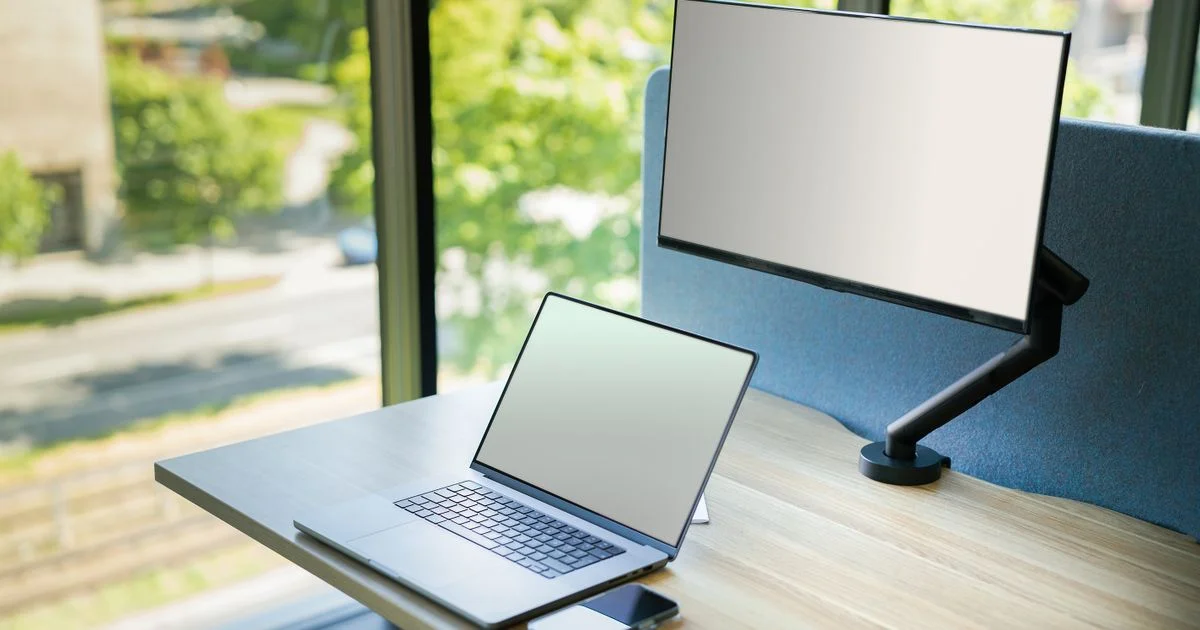
You booked the hotel room, you packed the laptop, and by Tuesday afternoon you are squinting at three spreadsheet tabs stacked on a 14-inch screen. A portable monitor for laptop work exists for exactly that week. It is a thin panel, usually 14 to 16 inches, that runs off a single USB-C cable and folds into the same bag as the machine it plugs into.
The trick is that the right one depends almost entirely on where you plan to open it. A screen that is perfect on a hotel desk can be useless on a sunlit kitchen table.
Key Takeaways
- One USB-C cable only works if your laptop’s port supports DisplayPort Alt Mode; otherwise you need a second cable for power.
- Brightness matters more than resolution for most people. Tom’s Hardware measured the budget Arzopa A1 at 228 nits, which struggles in a bright room.
- A built-in kickstand beats a magnetic origami cover almost every time.
- Batteries add real weight. Most panels draw power from the laptop instead, which shortens your unplugged time.
- If you already own a tablet, try it as a second screen before you spend anything.
What a Portable Monitor for Laptop Work Actually Solves
The short answer: it buys back the screen space you gave up when you chose a laptop you could carry. A portable monitor for laptop use is not a better display than your built-in one. It is a second one, and the value is in having two things visible at once — notes beside a document, a video call beside a shared file, a reference page beside the thing you are writing.
That means the buying question is not “which is best.” It is “where will this sit, and what does that place do to a screen?” The rest of this guide walks through the situations people actually buy these for.
The Hotel Desk and the Airport Gate
This is the classic case for a travel monitor for laptop work, and it is the friendliest one. Hotel rooms are dim, so a 250-nit panel is fine. Desks are small, so a 15.6-inch screen standing behind or beside the laptop fits where a 27-inch panel never would.
What matters here is the bag, not the picture. TechRadar’s picks in this class cluster tightly around 1.7 pounds — the MSI Pro MP165 E6 at 1.72 lbs, the Arzopa Z3FC at 1.72 lbs, the UPerfect UFree V at 1.73 lbs. The ViewSonic VX1655-4K-OLED is lighter still at about 1.5 lbs. Once a case and cable go in, budget two to two and a half pounds total.
Airport gates are harder. There is rarely a table, often no outlet, and the panel is pulling power from your laptop the whole time. If you genuinely work at gates, the small number of models with their own battery are the honest answer. The Asus ROG Strix XG17AHPE carries a 7,800 mAh cell rated for about four hours; the UPerfect UFree V claims roughly four hours as well. Both cost and weigh more than the plug-in versions for that privilege.
The Kitchen Table and the Shared Apartment
When the “office” is a table that has to be cleared before dinner, the deciding feature is how fast the thing goes away. A lightweight portable monitor with a built-in kickstand sets up in about five seconds. A magnetic folio cover takes longer, holds fewer angles, and — as Tom’s Hardware puts it — is “rarely (if ever) better than a good built-in kickstand.”
Size is the other trap. A 15.6-inch panel beside a 14-inch laptop needs roughly 30 inches of table width once both are angled toward you. If your table is shared, measure before you buy. A 14-inch panel loses less than you would think and fits a lot more places.
There is also the cable to think about. On a dining table, a single USB-C cable running from laptop to screen is the difference between a setup you will actually use daily and one that stays in the closet.
Bright Rooms, Windows, and Anywhere With Sun
This is where cheap panels fail, and it is the least obvious thing on a spec sheet. Reviewers at TechRadar flagged 250 nits as a problem “if you’re in very bright workspaces or in direct sunlight.” At the other end, PCWorld measured the ViewSonic 4K OLED at 457 nits and noted it holds up in brightly lit rooms.
Rough guidance, based on those measurements:
- Dim room, curtains closed, evening work: 220 to 250 nits is genuinely fine.
- Normal office or living room with lights on: aim for 300 nits or more.
- Desk next to a window, or a sunroom: 350 to 400 nits, and a matte finish rather than glossy.
- Outdoors: no portable monitor in this category is really built for it. Move to the shade.
Matte panels are the norm in this category and that is a good thing. A glossy screen in a bright room turns into a mirror, and no brightness setting fixes a reflection of a window.
Matching the Situation to the Screen
A dual screen laptop monitor setup is worth the money only when the screen suits the room. This table compares situations rather than products.
| Your situation | What it actually needs | What you can skip |
|---|---|---|
| Hotel rooms, weekly travel | Under 2 lbs, hard kickstand, single USB-C, protective case | High refresh rate, 4K, touch |
| Airport gates, trains, no outlet | Built-in battery, or accept a shorter laptop runtime | Large size — 14 inches is easier on a tray table |
| Kitchen table, cleared nightly | Fast setup, one cable, 14 to 15.6 inches | VESA mounting, extra ports |
| Desk beside a window | 350+ nits, matte finish | OLED contrast you cannot see in daylight |
| Photo or video editing on the road | Higher resolution and better color coverage | Gaming refresh rates |
| Gaming away from home | 120 Hz or higher, HDMI for consoles | Touchscreen, 4K at this size |
| Laptop with no USB-C video out | Mini-HDMI input plus a separate USB power cable | The single-cable marketing entirely |
One Cable or Two: Check Before You Order
This is the single most common disappointment. Most portable monitors connect over USB-C using DisplayPort Alt Mode, which carries video and power down one wire. If your laptop’s USB-C port does not support Alt Mode, the screen simply stays black no matter how good the cable is.
Work through it in order:
- Find your laptop’s port list in its manual or on the manufacturer’s spec page. Look for “DisplayPort Alt Mode,” “USB-C with DisplayPort,” or a small DP logo beside the port.
- If it is there, one cable will do. Note that the monitor is now drawing power from your laptop battery, so expect shorter unplugged sessions.
- If it is not there, check whether the monitor has an HDMI or mini-HDMI input. You will run HDMI for video and a separate USB cable for power — two cables, but it works.
- If your laptop has neither, look for a monitor that uses DisplayLink, which runs video over a plain USB 3.0 data port with a driver.
- Whichever route you take, keep the bundled cable. Charge-only USB-C cables look identical and carry no video at all.
When You Should Not Buy One

If you already own a tablet, you may already own a second screen. Apple’s Sidecar and the equivalent features on Windows and Android turn a tablet into an extra display over a cable or wireless link, at no cost. It is smaller than a dedicated panel and the connection can be less stable, but it costs nothing to test, and a week of using it will tell you whether you actually want two screens or just thought you did.
The other case for skipping: if the screen would live permanently on one desk, you are paying a portability premium for nothing. A regular 24-inch monitor costs less, is brighter, sits higher, and does not borrow power from your laptop.
Related Articles
- Standing Desk Converter: Small Desk, Rental, or Shared Office
- Top 10 External Hard Drives for Backup: Desk, Travel, or Off-Site
- Gaming Laptop Under $1000 Buying Guide: Dorm, Desk, or Backpack
Frequently Asked Questions
A few things come up again and again once people start shopping, mostly about power, compatibility, and whether the cheap models are a trap.
Will a portable monitor drain my laptop battery?
Yes, if the monitor has no battery of its own, which describes most of them. It is drawing its power through the same cable carrying the video. Plan on noticeably shorter unplugged runtime, and carry the laptop charger if you expect a long session away from an outlet.
Is 1080p enough on a 15.6-inch portable screen?
For documents, email, spreadsheets, and video calls, yes. Text is sharp enough at normal viewing distance and you avoid the scaling headaches that sometimes come with higher-resolution panels. Step up to 2.5K or 4K if you edit photos or video, or if you routinely sit close to the screen.
Do I need a touchscreen?
Only if you sketch or annotate. Touch works natively on Windows 11, but on macOS it generally requires the manufacturer’s own software, which is one more thing to install and keep updated. For ordinary work, touch adds cost and a fingerprint problem without adding much.
Can I use one with a game console or a phone?
Often, yes. Consoles connect through the HDMI or mini-HDMI input, and you will need a separate power source for the screen. Many phones can output video over USB-C too. Check the monitor’s listed inputs before assuming it will work with a specific device, and expect the built-in speakers to be poor on nearly every model in this class.
The Bottom Line
Decide where the screen will live before you compare any specs, because the room picks the panel. A dim hotel desk asks for light weight and a solid kickstand, a sunny kitchen table asks for 350 nits and a matte finish, and a permanent desk probably does not ask for a portable monitor at all.


3 Comments
Comments are closed.