

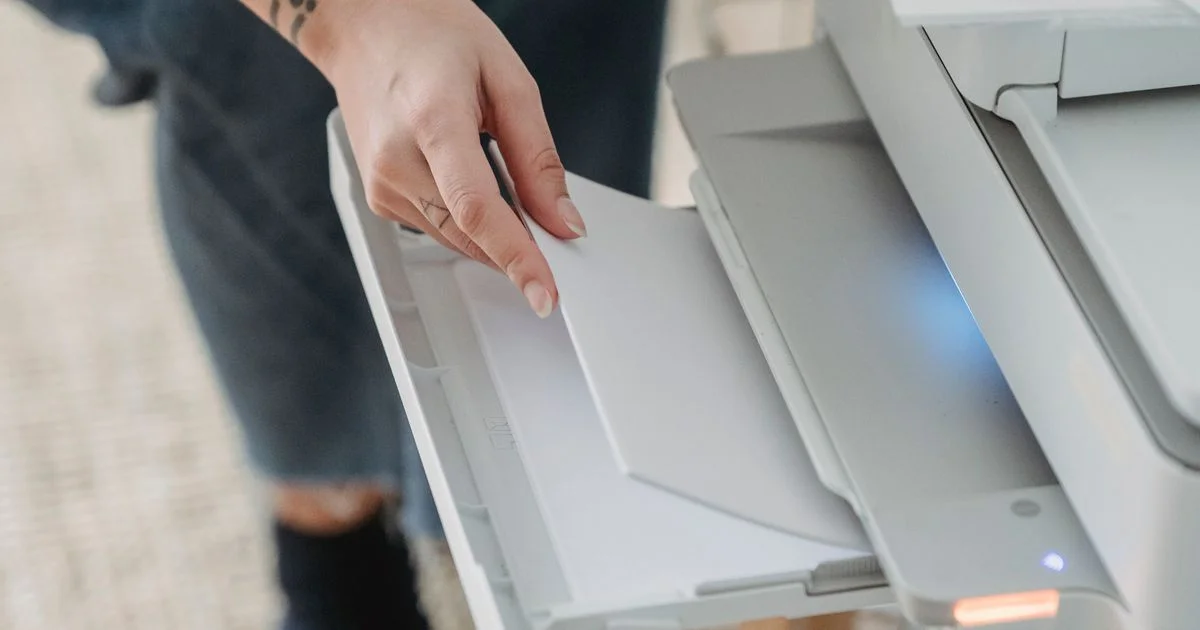
Three numbers decide most printer purchases: pages per minute, pages per cartridge, and the price. Two of those three were produced by a laboratory test with published conditions, and the conditions are not the ones in your house. Choosing a budget printer for the home office gets much easier once you know what each figure was measured doing, because the number that misleads you depends entirely on which situation you are in.
Use case 1: a budget printer for the home office and what actually leaves the tray
Start with the machine that is on all day. A home office printer spends almost all of its life doing nothing, waking up for a shipping label, a signed form or a school letter, and going back to sleep. That pattern is what the energy rating is built around.
ENERGY STAR handles office printers and multifunction devices under a Typical Electricity Consumption approach, which measures what a machine uses across a representative pattern of jobs and idling rather than at full tilt. The program defines a “Default Delay Time” as “The time set by the manufacturer prior to shipping that determines when the product will enter a lower-power mode,” and it sets that delay by speed class; slower small-format machines, at ten images per minute or under, are given five minutes. It also caps standby draw at 0.5 watts.
Two things follow for a machine that lives in a spare room.
- The delay is a shipped default, which means it is a setting. If a printer sits idle for hours between jobs, a shorter delay costs you a few seconds of warm-up and takes the machine out of its highest idle state sooner.
- Automatic two-sided printing is not universal at the budget end. ENERGY STAR only requires duplexing to be “Integral to the base product” once a device is reasonably fast, at 35 images per minute and above for color and 37 and above for monochrome. Below those speeds a manufacturer can meet the specification without it, which is exactly the band most home office machines sit in. Check for it rather than assuming it.
You can check current options here:
Check on Amazon See on Walmart
Use case 2: a budget printer for occasional printing, and the test the yield number came from
This is the household that prints a boarding pass in June and a tax form in April. The figure that fails them is the page yield, and it fails for a reason that is published rather than hidden.
Page yield is measured under ISO/IEC 24711, and one printer maker describes its own testing plainly: the quoted figure is “an average of three identical printers printing each document continuously until the ink runs out. This is done three times per printer, using a new set of cartridges each time.” The suite is a fixed set of five letter-sized pages that manufacturers agreed to share so that brands can be compared against each other. The cartridges are used immediately after being unsealed, and the printing does not stop.
Read the word “continuously” twice. A budget printer for occasional printing is the exact opposite of that test. The same maker lists the variables it held constant to get a reliable figure, and printing frequency is on the list alongside content, paper, print mode, application, temperature and humidity. In other words, the company tells you in writing that the way you print changes the result, and the headline number assumes a pattern of use you do not have.
That reframes the decision. For a genuinely low-volume household the question is not which cartridge is rated highest, it is which machine copes best with long gaps and how easily you can get a replacement consumable when the gap ends. Buying a machine whose consumable is stocked everywhere matters more than buying the one with the biggest number on the box.

Use case 3: a budget printer for students and the week everything is due
Student printing is not steady. It is nothing for six weeks and then forty pages at eleven at night before a deadline, which makes speed the specification people reach for and the one most often misread.
Printer speed is measured under ISO/IEC 24734, a standard that “specifies a method for measuring the productivity of digital printing devices using various test files, office applications, and print job characteristics on plain paper in default mode.” The headline figure is usually ESAT, defined as the images per minute taken “from the complete exit of the last page of the first print of the test file, through the complete exit of the last page of the job.” The test itself uses four-page documents printed through a PDF reader, a word processor and a spreadsheet, and it runs them at three job lengths: a single print, a medium run of roughly thirty seconds of extra printing, and a long run of about four minutes single-sided.
That structure is the useful part. ESAT deliberately excludes the beginning of the job, because it starts counting after the first document has already come out. On a long run that is fair. On a two-page essay printed in a hurry it is not, because the part you are waiting for is precisely the part the number leaves out. A budget printer for students is better chosen on how quickly it wakes and delivers the first page than on a productivity figure measured over four minutes of continuous output.
One more caution on the same standard: the manufacturer publishing it also notes that machines “may produce printed pages at a different rate than their nominal speed due to various factors,” and lists the host computer, the driver, the application, the operating system and the connection among them. A printer shared over a home network through a phone will not behave like one on a cable.
Use case 4: a budget printer for small businesses printing the same page all day
A side business is the one situation where a home machine is asked to behave like an office one. Labels, packing slips, invoices, returns forms: the same layout, many times, often in bursts around a shipping cutoff. Here the long-run figures are the relevant ones, which reverses the advice above.
For a budget printer for small businesses the checks worth making are unglamorous and mostly about what happens after the first ream:
- Input capacity. Reloading a small tray mid-run is the tax nobody prices, and a larger tray is worth more than a speed figure to someone printing thirty labels.
- The long-job figure rather than the short one. ISO/IEC 24734’s long run exists precisely to show what a machine does once it is warm and working; that is your pattern, not the single print.
- Duplexing, deliberately chosen. Since the energy specification only forces it above the speed thresholds above, a slower machine may not have it, and paperwork printed on both sides halves what you store and mail.
- Consumable supply, not consumable price. A business stops when the toner runs out, so the question is how fast you can get another one, not what it cost last time.
- Scanning, if you handle paperwork. A great many small businesses use the scanner more than the printer, and a feeder turns twenty pages into one action.
If the paperwork itself is the job rather than the printing, our guide to a barcode scanner app for small businesses covers the record-keeping side of the same problem.
Side-by-side by situation
| Your situation | The number that matters | The number that will mislead you |
| Always-on machine in a spare room | The sleep delay setting and standby draw | Peak speed, which you will never reach |
| A few pages a year | How easily the consumable is restocked | Rated page yield, measured by printing without stopping |
| Deadline bursts at midnight | Time to the first page out | ESAT, which starts counting after the first document |
| Labels and invoices in runs | Tray capacity and the long-job rate | The single-print figure |
| Paperwork and forms | Scanner and document feeder | Anything about print quality |
| Shared by a household over Wi-Fi | How it behaves over the connection you will use | Nominal speed measured in default mode on a cable |
Related Articles
- Smart Board for the Home Office: The Wall, the Call, and Year Four
- Acemagic Mini PC for Home Office: The Desk, the TV, or a Rented Room
- Budget Laptop for Students: Dorm, Online Classes, or Lecture Hall
Frequently Asked Questions
Four questions come up every time somebody replaces a printer that finally gave up.
Why does my printer never hit its advertised speed?
Because the advertised figure is measured under ISO/IEC 24734 on plain paper in default mode, using a fixed set of four-page test documents, and it is usually the ESAT number, which starts counting after the first document has already printed. The same manufacturers note that real output varies with the computer, the driver, the application, the operating system and the connection.
Is the page yield on the box wrong?
It is not wrong, it is specific. Under ISO/IEC 24711 the figure comes from printing a standard five-page suite continuously until the supply is exhausted, averaged across three printers and three runs each. It is a fair way to compare brands. It is a poor prediction for a household that prints in short bursts weeks apart, and the makers list printing frequency among the variables that change the result.
Does automatic two-sided printing come as standard?
Not at the budget end. ENERGY STAR only requires duplexing to be built into the base product above 35 images per minute for color devices and 37 for monochrome ones, so a slower machine can meet the specification without it. Confirm it on the specification sheet before you buy.
Does it matter how quickly the printer goes to sleep?
For a machine that idles most of the day, yes. ENERGY STAR treats the delay before a product drops into a lower-power mode as a manufacturer default, which means it is adjustable, and it caps standby draw at 0.5 watts. Shortening the delay trades a little warm-up time for less time spent in a higher-power state.
Conclusion
Decide what your printing week actually looks like before you compare a single specification, because each published figure was measured under conditions that suit one pattern of use and flatter the rest. Match the number to the situation, check for duplexing and tray capacity rather than assuming them, and buy the machine whose consumable you can replace without a search.


